How Does a POS System Work? What Happens Behind the Counter, From Our Install Team
Follow a POS transaction from checkout through authorization, inventory, reporting, settlement, and offline processing.
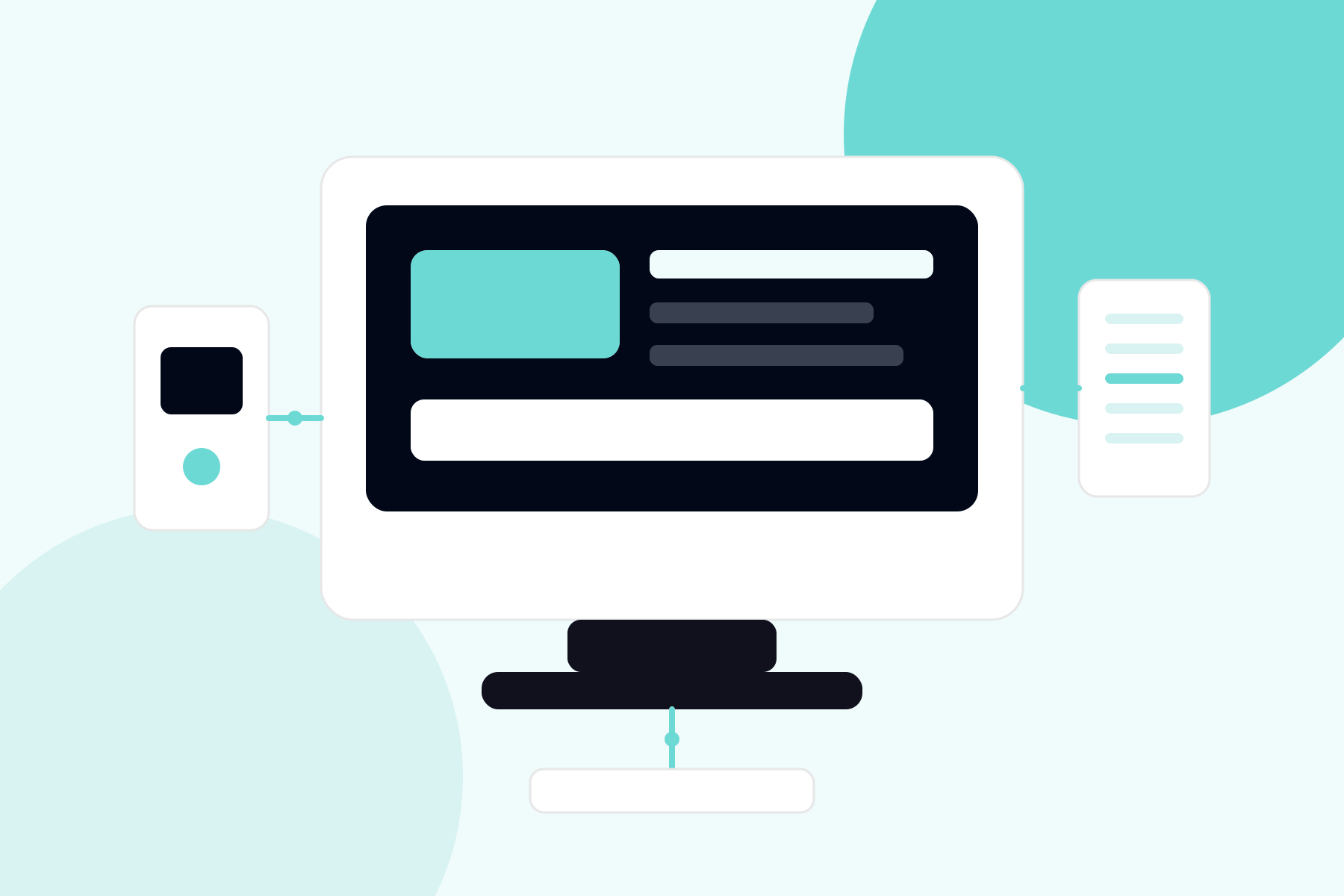
A POS system works by combining sales software with payment hardware to ring up items, calculate totals, process card payments, and record every transaction in one database. From the first scan to the printed receipt, the full cycle completes in under 10 seconds.

What Happens During 1 Complete Sale?
One complete sale moves through 5 stages:
1. Item entry: barcode scan, menu tap, or manual entry pulls price and tax rules
2. Total calculation: discounts, modifiers, and tax apply automatically
3. Payment capture: the customer taps, dips, or swipes at the connected reader
4. Authorization: card data routes to the processor and returns approval in 2 to 3 seconds
5. Recording: the sale writes to inventory, reporting, and the daily batch simultaneously
Stage 5 is what separates a POS system from a dumb terminal. The terminal takes money; the POS updates the whole business.

How Does the POS Talk to the Payment Processor?
The POS transmits encrypted card data to the processor through an integrated payments connection, and settled funds deposit in 1 to 3 business days. Card numbers are tokenized at the reader, so the POS database never stores raw card data, which keeps PCI scope small.
Online orders flow through the same pipeline via a connected payment gateway, letting a store's ecommerce sales settle alongside counter sales in 1 batch.
What Do the Back-Office Functions Actually Do?
Back-office functions turn transaction data into 4 operating tools: live inventory counts that decrement on every sale, staff reports tracking sales per employee, customer profiles powering loyalty programs, and daily reports that reconcile cash and card totals in 5 minutes instead of an hour.
Restaurants layer on coursing, kitchen displays, and tip management, a configuration we detail in our POS system for restaurants guide.
What Happens When the Internet Goes Down?

Modern POS systems keep selling offline by queueing encrypted transactions locally, then authorizing them when the connection returns. Offline mode carries a decline risk on queued cards, so systems cap offline tickets, typically at $50 to $100, to limit exposure.
How Long Does POS Installation and Training Take?
A standard POS installation takes 1 day of setup plus 2 to 5 days of catalog building and staff training. The sequence runs in 4 steps: menu or inventory import, tax and payment configuration, hardware placement and network testing, and staff walkthroughs on live-but-test transactions.
Catalog quality determines everything downstream. A rushed import with wrong prices and missing modifiers generates weeks of front-counter friction, so we budget the majority of setup time there.
What Reports Should Owners Actually Read Each Week?
Owners get the most from 3 weekly reports: sales by hour for staffing decisions, top movers for ordering, and payment type mix for reconciling fees. Ten minutes with those 3 beats an hour lost in the full dashboard, and they surface problems while they are still cheap.
What Happens When the Internet Goes Down?
Modern systems handle outages with offline mode, storing encrypted transactions locally and submitting them once connectivity returns. Two limits apply: offline transactions carry authorization risk since the issuer has not approved them, and most systems cap the offline dollar amount.
Cellular backup removes the problem entirely. A $20 monthly failover connection protects a full day of revenue, which pays for itself the first time a provider outage hits your block.
How Does a POS System Connect to Your Payment Processing?
The POS captures the sale and passes card data to your processor through an integrated payment layer, then receives the approval and prints the receipt. Some POS platforms lock this connection to a single processor, so confirm whether yours allows independent processing before you commit to the software.
Related POS Questions From New Buyers
Which Businesses Outgrow Basic Terminals First?
Retailers with inventory depth and restaurants with table service outgrow terminals fastest, usually within their first year of real volume.
Can a POS Handle Payments Away From the Counter?
Yes, paired mobile payment devices take the same system curbside or tableside, and a virtual terminal handles phone orders against the same account.
Table of Contents
Subscribe to our newsletter
Get the latest insights and updates delivered to your inbox.
How Much Does a POS System Cost? Real Pricing From the Systems We Deploy
Compare POS hardware, software, processing, lease terms, and total ownership costs across common business sizes.
How to Prevent Chargebacks: 9 Merchant Controls
Most chargebacks are preventable, because most of them start as a customer problem rather than fraud.
How to Read a Merchant Statement: A Line-by-Line Analysis
Review a merchant statement line by line, calculate the effective rate, identify padded fees, and turn the findings into savings.