How to Set Up Automatic Payments for Your Business
Learn the 4 steps to set up automatic payments, from customer authorization to retry logic, and avoid the mistakes that cause failed charges.
Setting up automatic payments takes four steps, get written authorization from the customer, choose a recurring billing platform that tokenizes card data, set the billing schedule, and configure decline retry logic before the first automatic charge runs.
What Authorization Does a Business Need Before Charging Automatically?
A business needs documented consent that covers three specifics before the first automatic charge.
- The exact amount or a clear formula for calculating it
- The billing frequency, such as monthly or on a fixed date
- A stated method the customer can use to cancel
Consent should be stored with a timestamp, not just implied by a signed contract that never mentions billing terms.
How Does Card Tokenization Keep Recurring Billing Secure?
Tokenization replaces the raw card number with a unique token the moment a card is entered, so the business never stores an actual card number on its own servers. A stolen database of tokens is useless to an attacker without the processor's key to reverse it. Most card networks now require tokenization for any business storing a card on file for future charges.
What Billing Software Features Matter Most for Automatic Payments?
Three features separate reliable recurring billing software from a basic auto-charge script.
- Automatic card updating that pulls new expiration dates from the card network before a card expires
- Dunning management that spaces out retries instead of hammering a declined card the same day
- A real-time dashboard showing the failed payment rate separate from total revenue
A business missing any of these three ends up doing manually what the software should already be catching on its own.
Ready to move billing onto a system with all three built in? Apply for a merchant account and recurring billing gets configured as part of setup, not as an add-on later.
What Failed Payment Rate Should a Business Expect?
A healthy recurring billing program keeps the failed payment rate under 10 percent of attempted charges, and a program with automatic card updating and tuned retry timing usually lands closer to 5 percent. A rate above 15 percent signals a configuration problem, not a customer problem.
Three checks bring a high failure rate down fast.
- Confirm automatic card updating is active, since expired cards drive roughly a third of recurring declines
- Move retry attempts off the original billing date, since a card that declined this morning usually declines again this afternoon
- Bill on the 1st or the 15th, when most customers have just been paid
How Does ACH Differ From Card-Based Automatic Payments?
ACH automatic payments pull directly from a bank account instead of charging a card, which typically costs less per transaction but takes 1 to 3 business days to clear instead of settling instantly. Businesses billing large recurring amounts, such as rent or B2B retainers, often default to ACH specifically to avoid card network fees on high-dollar transactions.
Offering both methods at signup works better than picking one. Customers who choose ACH cost less per transaction, and bank accounts do not expire the way cards do, so ACH agreements fail less often over a multi-year relationship. Card-on-file remains the right default for lower-dollar consumer subscriptions where instant settlement and easy signup matter more than the per-transaction fee.
Recurring Billing vs Invoicing: Which Fits a Given Business?
A business billing the same amount on a fixed schedule needs recurring billing. A business billing variable amounts per project needs invoicing instead, since each bill covers different line items and totals that recurring billing is not built to handle.
What Happens When an Automatic Payment Fails?
A failed automatic payment should trigger a retry sequence, not a manual follow-up call. A single missed retry rarely ends a subscription on its own. A missed retry sequence across two or three billing cycles in a row is what actually drives a customer to cancel.
- First retry 1 to 3 days after the decline
- Second retry 5 to 7 days later, timed near a typical payday cycle
- A payment update reminder sent directly to the customer if both retries fail
The Hidden Costs Inside "Good Enough" Payment Systems
A failed automatic payment that never gets retried does not show up as an error. It shows up as missing revenue at the end of the month. The Hidden Costs Inside "Good Enough" Payment Systems breaks down how authorization rates and fee creep erode margin the same quiet way.
Which Businesses Rely Most on Automatic Payments?
Three business types depend on automatic payments more than most.
- Professional services firms billing retainers on a fixed monthly schedule
- Nonprofit organizations running recurring donation programs
- Membership and subscription businesses billing the same amount every cycle
Each of these business types loses more revenue to a stalled retry sequence than to an active cancellation, which is why retry logic matters more than the signup flow itself.
How Does Dual Pricing Affect Automatic Payments?
A business running a cash-discount or dual pricing program needs to apply that same pricing logic to automatic payments, not just counter transactions, or the charged amount stops matching what the customer agreed to.
How Do I Get Started With Automatic Payments?
Paymetrics sets up recurring billing with automatic card updating and built-in retry logic on the same account as in-person and online processing. Apply now to move recurring revenue onto a system built to catch failed payments before they become cancellations.
Table of Contents
Subscribe to our newsletter
Get the latest insights and updates delivered to your inbox.

What Is Dual Pricing Credit Card Processing?
Learn how dual pricing works, how it differs from surcharging, and what disclosure rules apply before a business posts dual pricing signage.

The Hidden Costs Inside "Good Enough" Payment Systems
A payment system can look healthy while quietly leaking money. Learn how authorization rates, fraud costs, interchange qualification, and fee creep silently erode profitability.
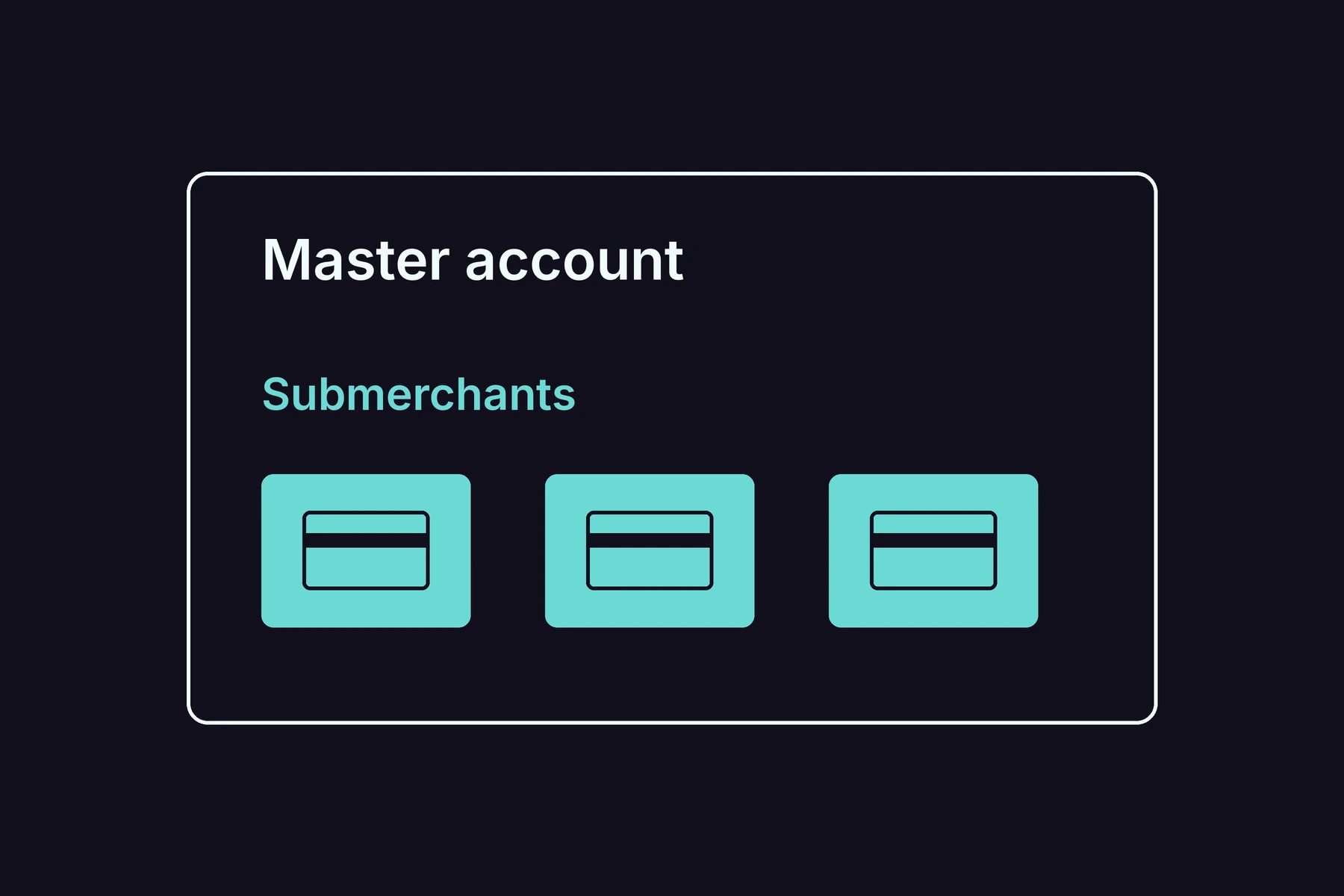
What Is a Payment Facilitator (PayFac)?
A payment facilitator, commonly shortened to PayFac, is a company that holds a master merchant account and onboards other businesses as submerchants underneath it.